


Architecture
1 of 3: Accessible Bathroom

VR Build Kit Is a True to Life Scale 3-D Modeling PlatformYour Conduit for AI to VR Workflows
How it works
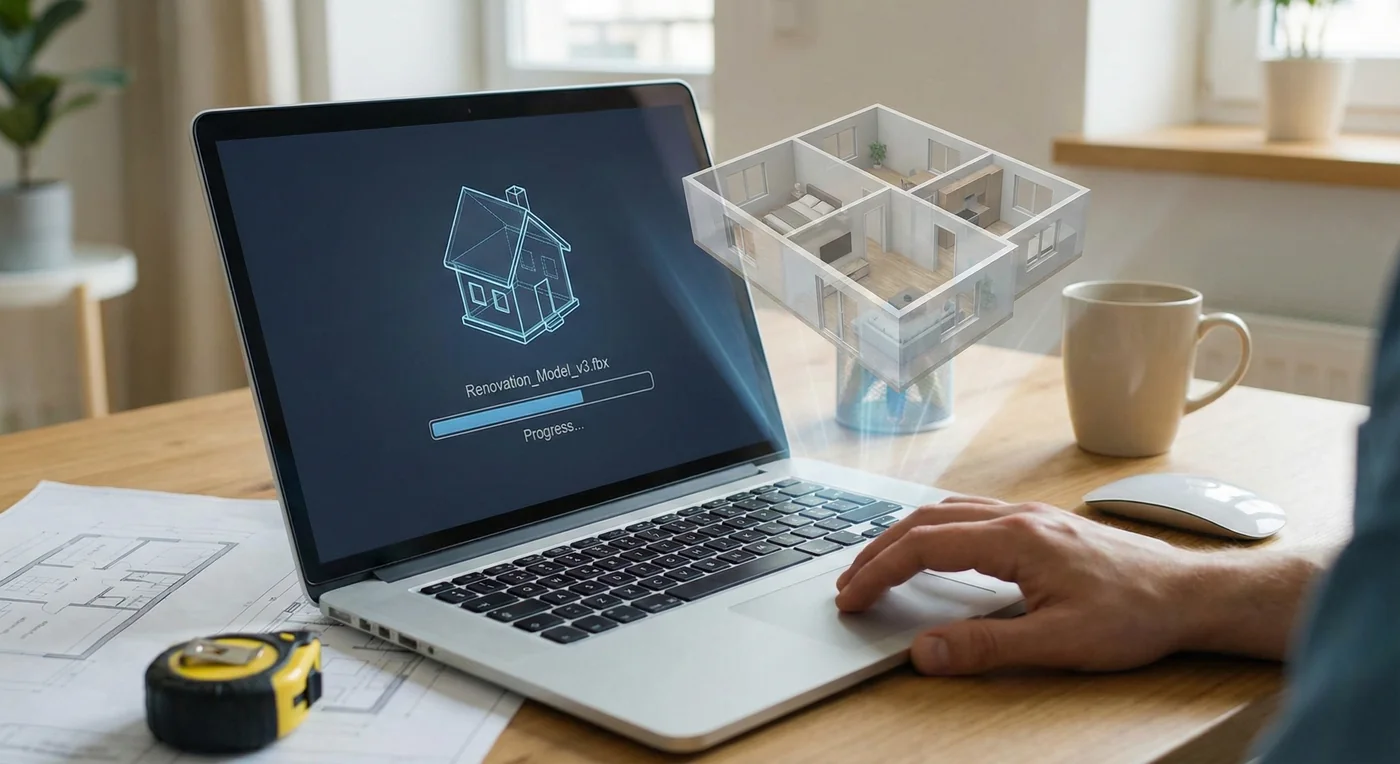
Upload a 3-D model, or build one with your AI agent and our free building guides. A supported connected assistant can create the project and upload the model for you.
Upload a 3-D model, or build one with your AI agent and our free building guides. A supported connected assistant can create the project and upload the model for you.
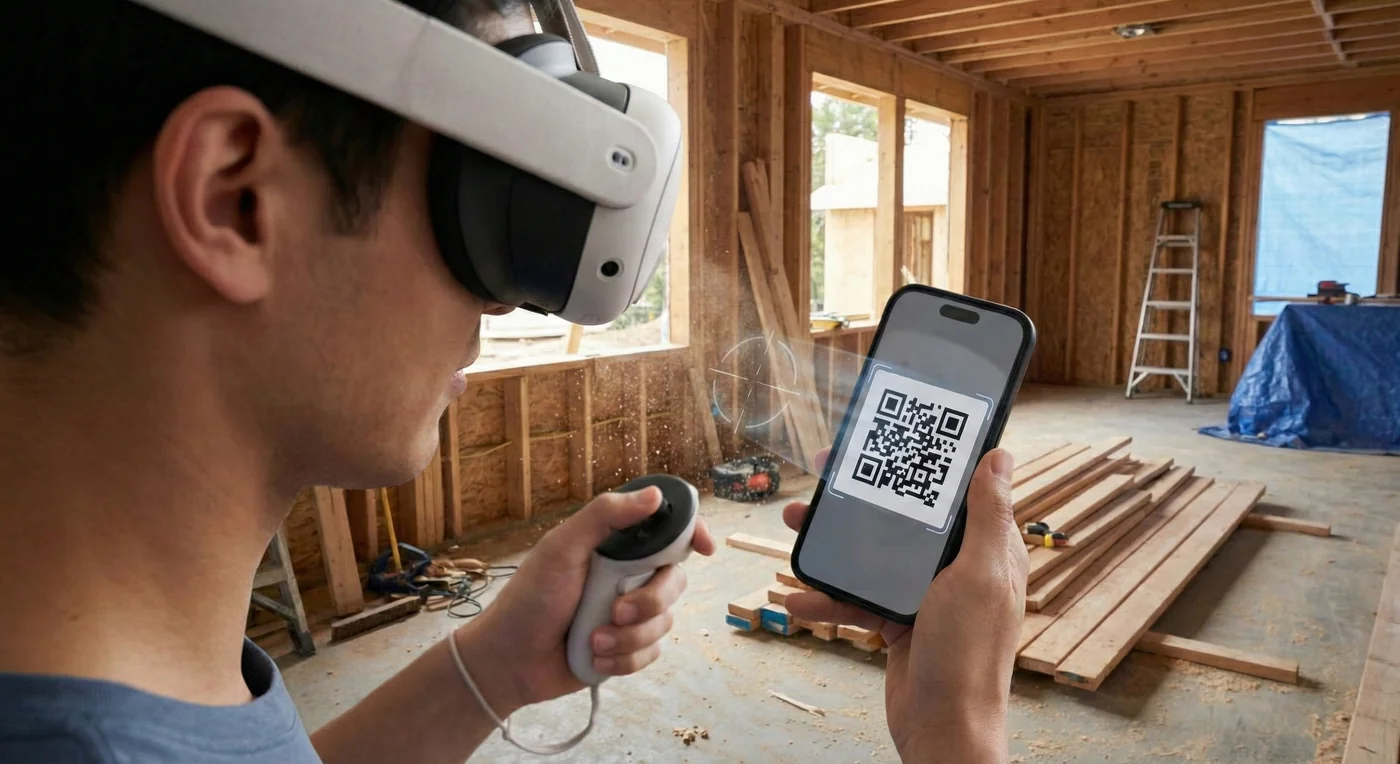
Scan your project's QR from your assistant chat or the website in the VR Build Kit headset app to load your model.
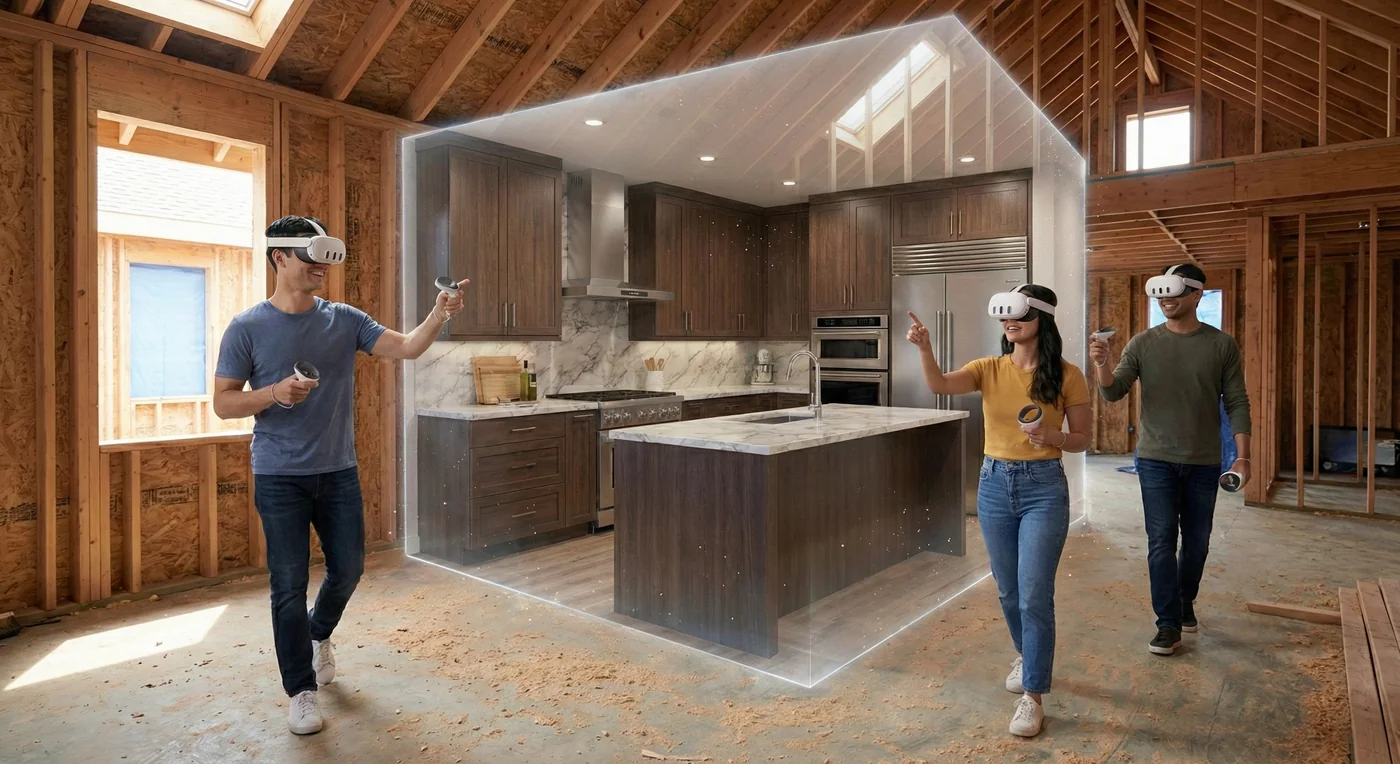
See your project in true to life scale. Interact and edit with unmatched precision.
Portfolio
1 of 3: Accessible Bathroom
1 of 3: Sling Lounge Chair
1 of 3: Velociraptor
1 of 3: Floating Islands
Why VR Build Kit
Talk to your project, try real finishes and furnish it, life-size, without taking the headset off. No PC, no CAD skills.
Full voice control
ProMore than 85 voice actions: place furniture, pick materials, draw to exact sizes, set the sun, switch options and take photos. Say “click” instead of pressing a button.
Materials library
An extensive library of real finishes, from oak and walnut to marble, quartz and brass, applied right in the headset. On Pro, describe a new one and AI makes it.
3-D model library
Hundreds of models in the headset on every plan, from sofas and bathtubs to pianos, kayaks and golf carts. Search, then place one where you point. On Pro, just say “add a piano”.
 Runs on Meta Quest 3 and 3S by itself. No PC, no cables.
 Scan your project's QR code to open it. No typing in the headset.
 Your own AI assistant builds the model with our free guides.
 Fly through your project by looking where to go. Works seated.
 Say “click” instead of pressing a button (Pro).
 Free plan, no card required.
Made for everyone
If you can describe it, you can be inside it.
Plenty of apps do one of these. VR Build Kit puts them all in one headset.
| Feature | VR Build Kit | Phone AR apps | PC VR viewers | Other VR design apps |
|---|---|---|---|---|
| Life-size in your real space | Yes | Some | No | Some |
| A headset, no PC needed | Yes | No | No | Yes |
| Change the design while you're in it | Yes | Some | No | Yes |
| Swap materials while you're in it | Yes | No | Some | Some |
| 3-D model library while you're in it | Yes | Yes | No | Some |
| Nearly every tool works by voice | Yes | No | No | No |
| No CAD skills needed | Yes | Yes | No | Some |
Yes YesSome Some apps, or partlyNo No
Pricing
Step into VR with Free, unlock every tool with Pro, or get more storage, voice and meeting time with Enterprise.


